Academy Central
January 2026
The challenge
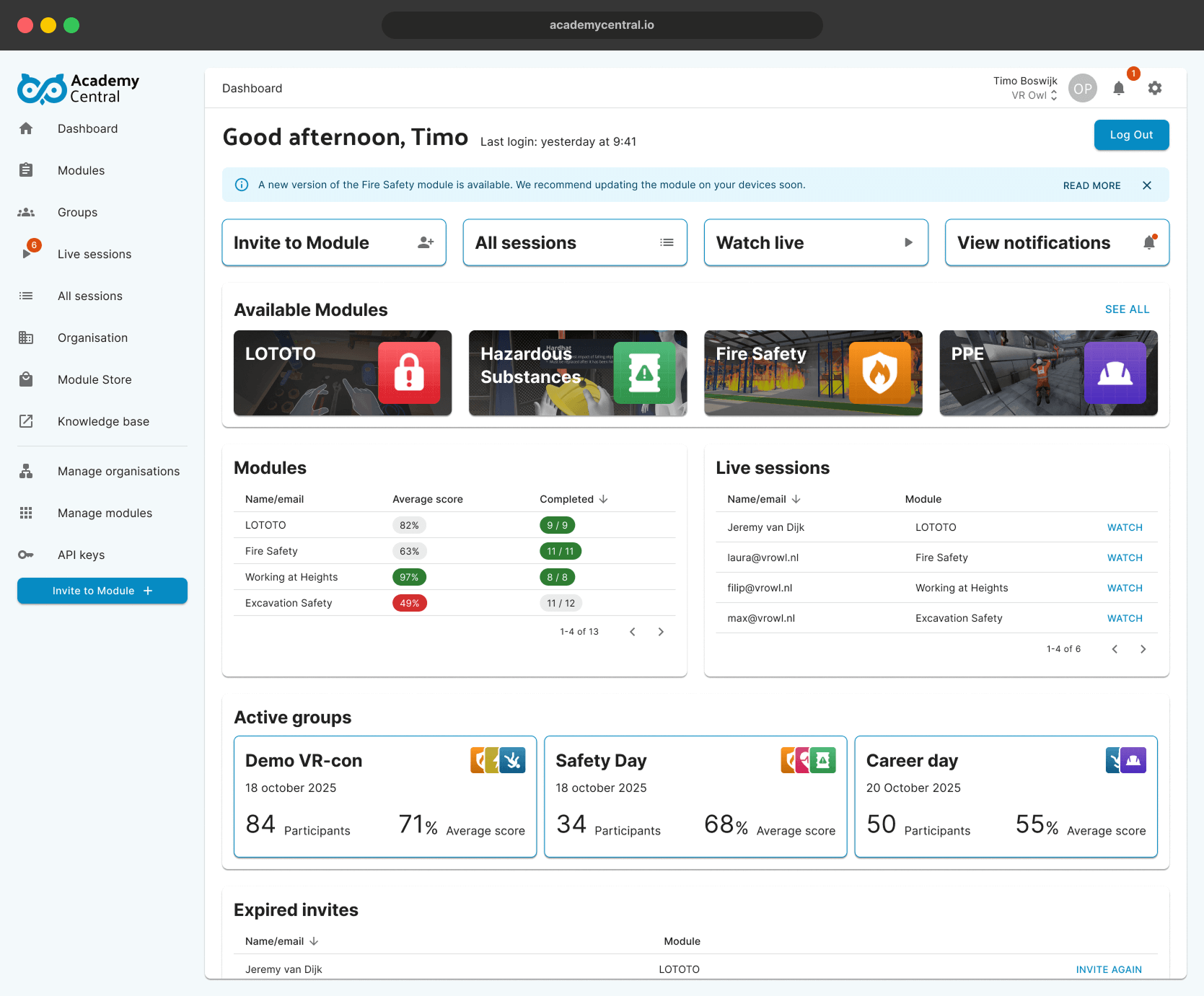
During my internship at VR Owl, it was my responsibility to design the user experience and user interface of a new product. This new product is Academy Central, a learning platform to easily assign VR training modules, see insights in trainee results and many more functionalities.
Multiple Flows
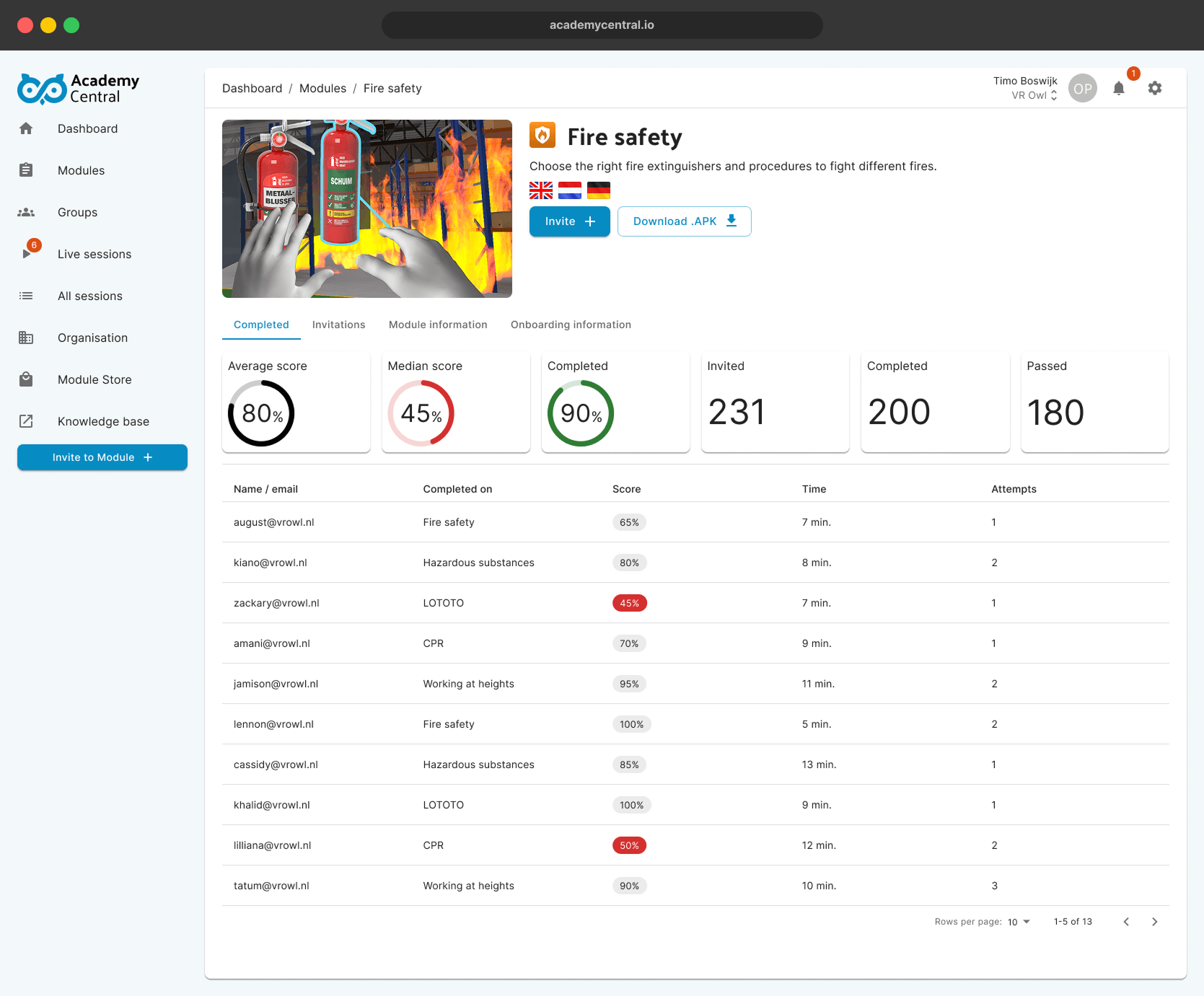
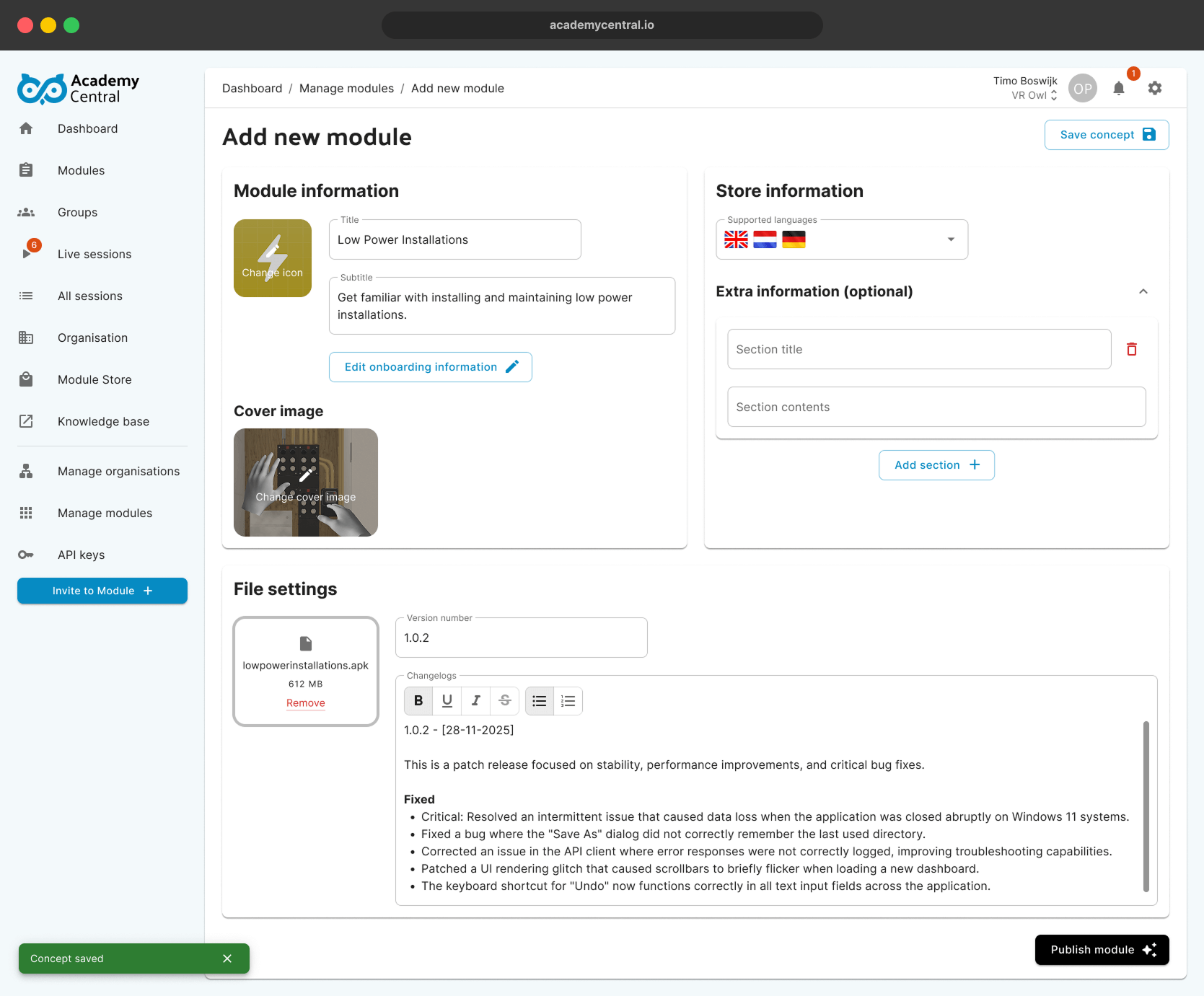
Academy Central brings together a wide range of functionalities, resulting in complex user flows. I began by mapping and sketching these flows in detail, then translated them into a clear, cohesive and fully functional prototype that keeps the experience intuitive despite its complexity.
Testing until it clicked
It was essential that every flow worked effortlessly for the user. I iterated extensively and tested each version with my team and various clients to identify the strongest design decisions. To make testing as effective as possible, I ensured that as many interactions as possible were fully prototyped and clickable in the Figma project.
The Material UI Library
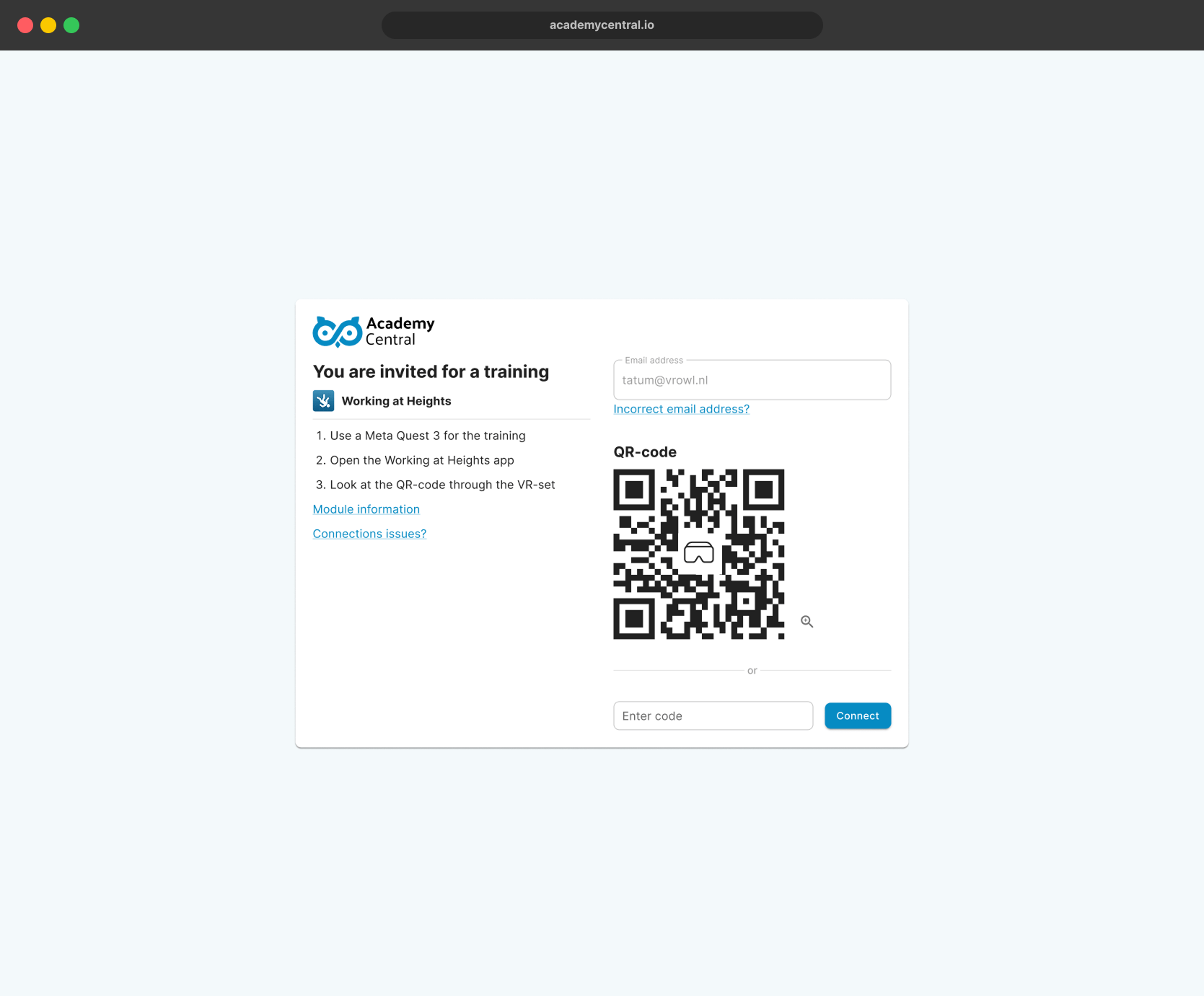
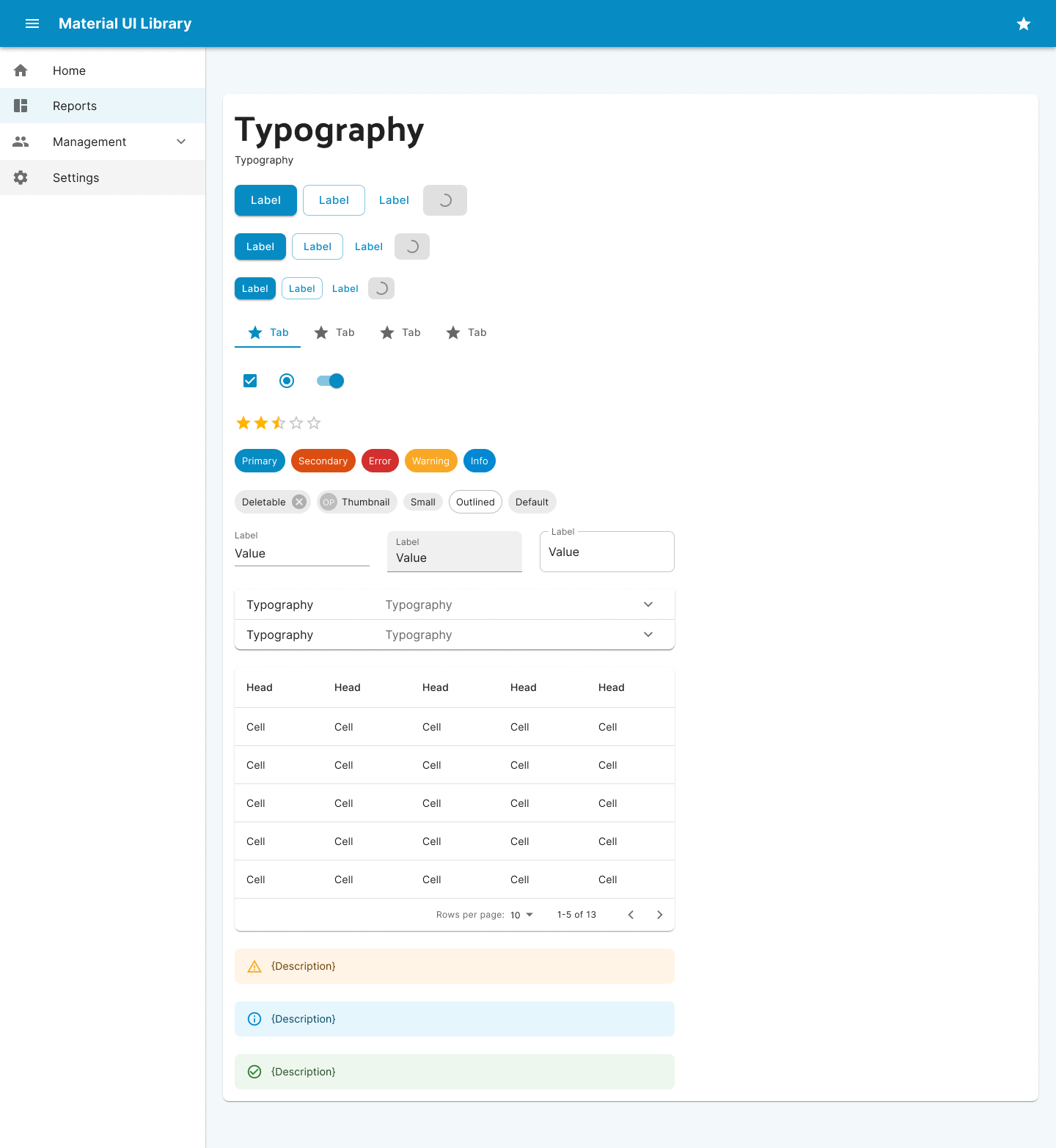
Academy Central was built with React using Material UI. To align the design with development from the start, I used a customised Material UI component library tailored to Academy Central's visual identity. This ensured consistency across the product and made the design fully ready for handoff and implementation.
Ready for development
The project was designed with development in mind from day one. By strictly following MUI components and applying Auto Layout across the entire design, the handoff to development was seamless and implementation-ready.
In addition, all error, loading, empty and zero states were designed for every screen, creating a consistent and resilient user experience throughout the platform.
The result
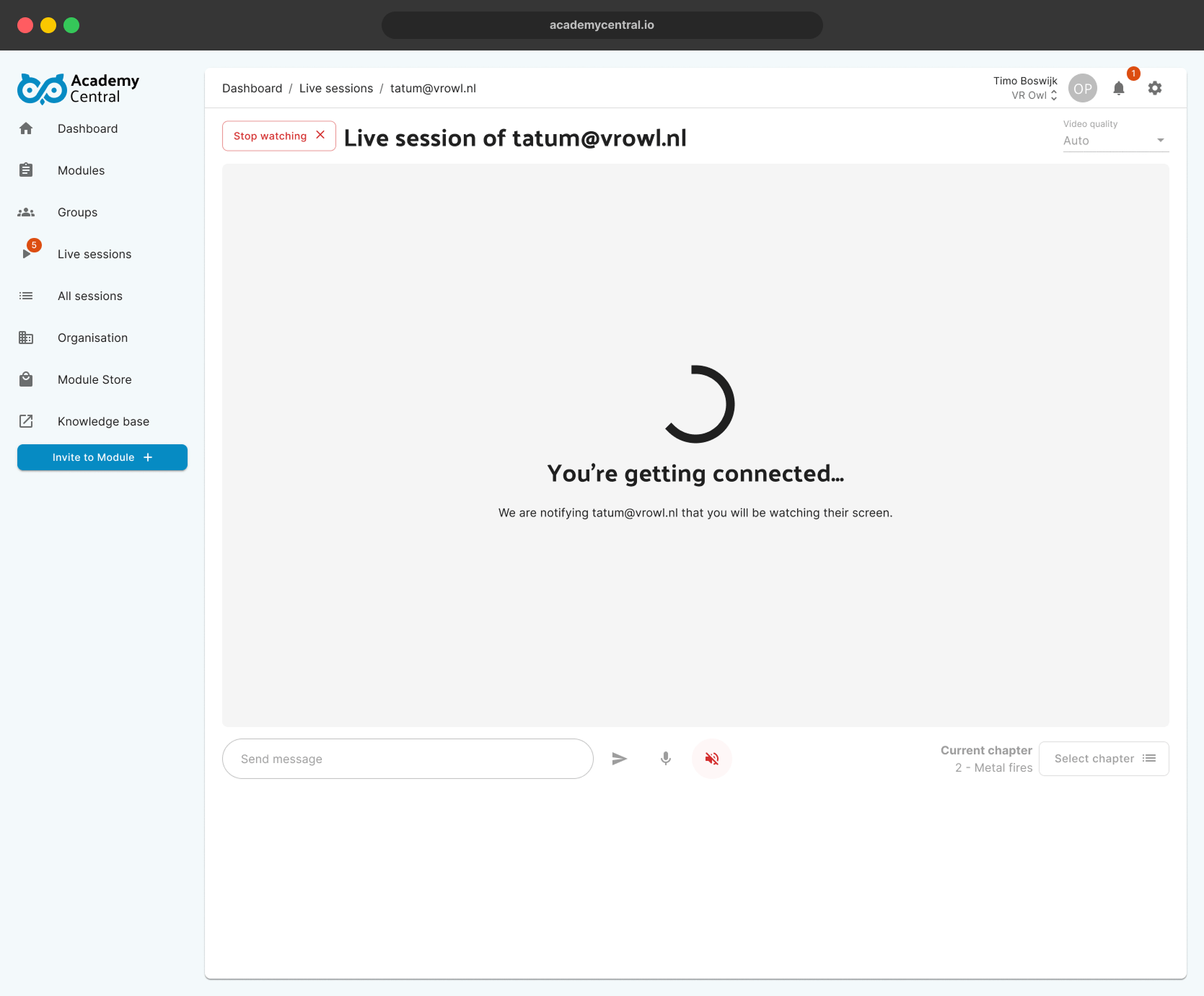
Academy Central was my largest and longest project to date, spanning five months. Throughout the project, I worked extensively with a large design library, prepared the design for development using Auto Layout, and built highly detailed, interactive prototypes. After numerous iterations, tests and weekly rounds of feedback, I am genuinely proud of the final result and the level of quality achieved in this learning platform.